Old Photo Restoration Online with AI
Old photo restoration is easy with FixOldPhotos \u2013 bring faded or damaged images back to life in seconds. Our AI tool lets you restore old photos online without any editing skills.
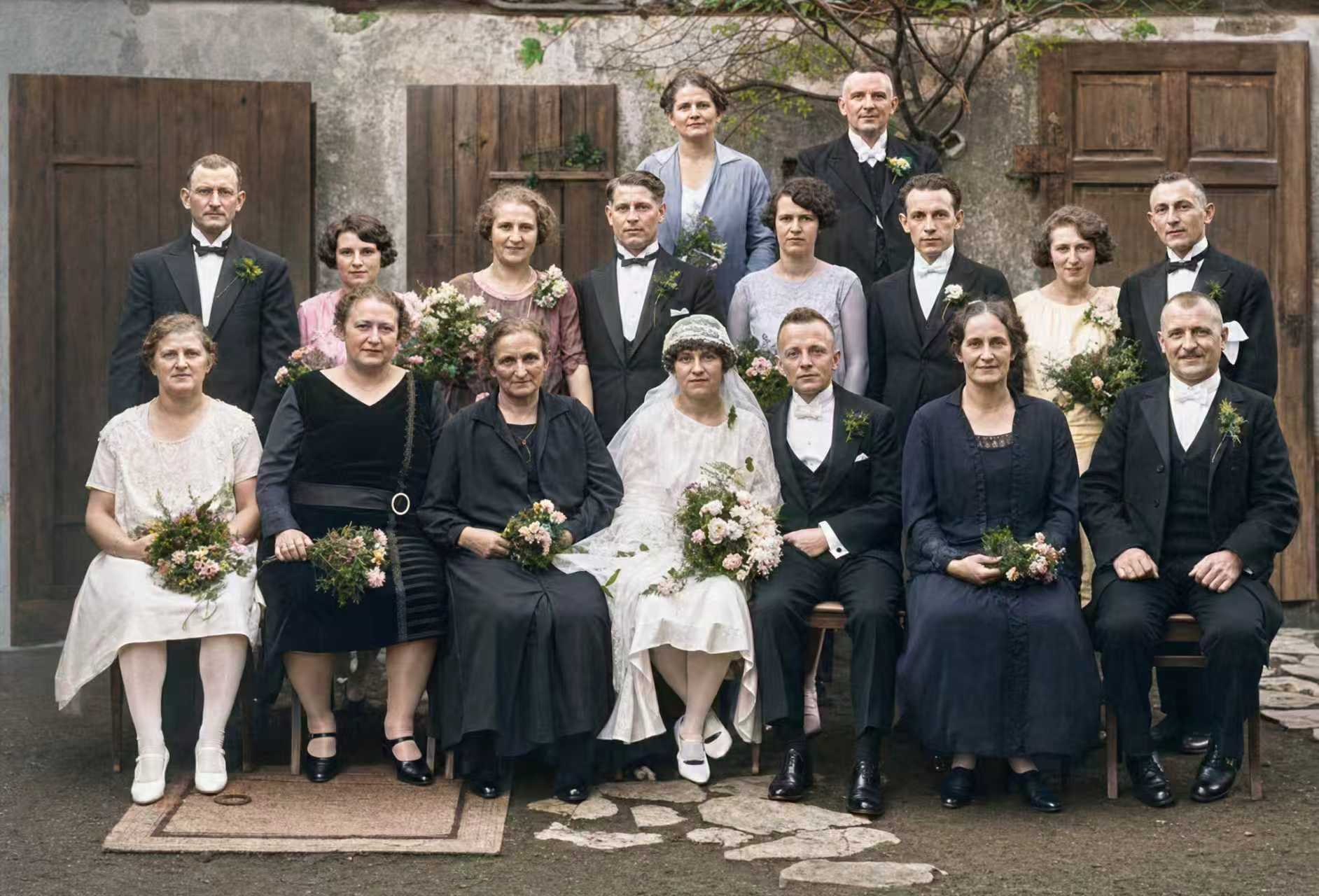
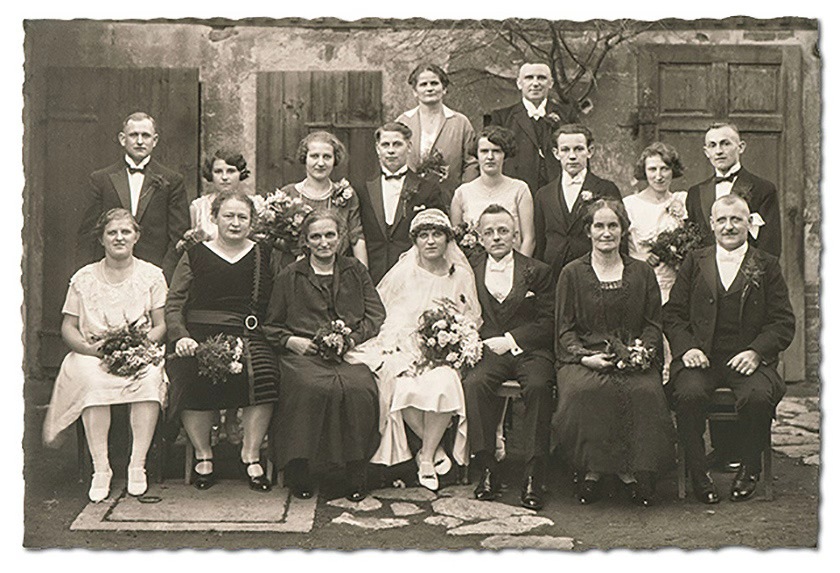
Restore Your Photo Now
Choose a mode and upload your photo below
Upload to restore the old photos
Maximum 1 image allowed one time
Click or press Ctrl+V to upload. Uploading means you agree to our Terms of Use.
Discover More Tools with FixOldPhotos
Restore Faded Photos with Authentic, True-to-Original Detail
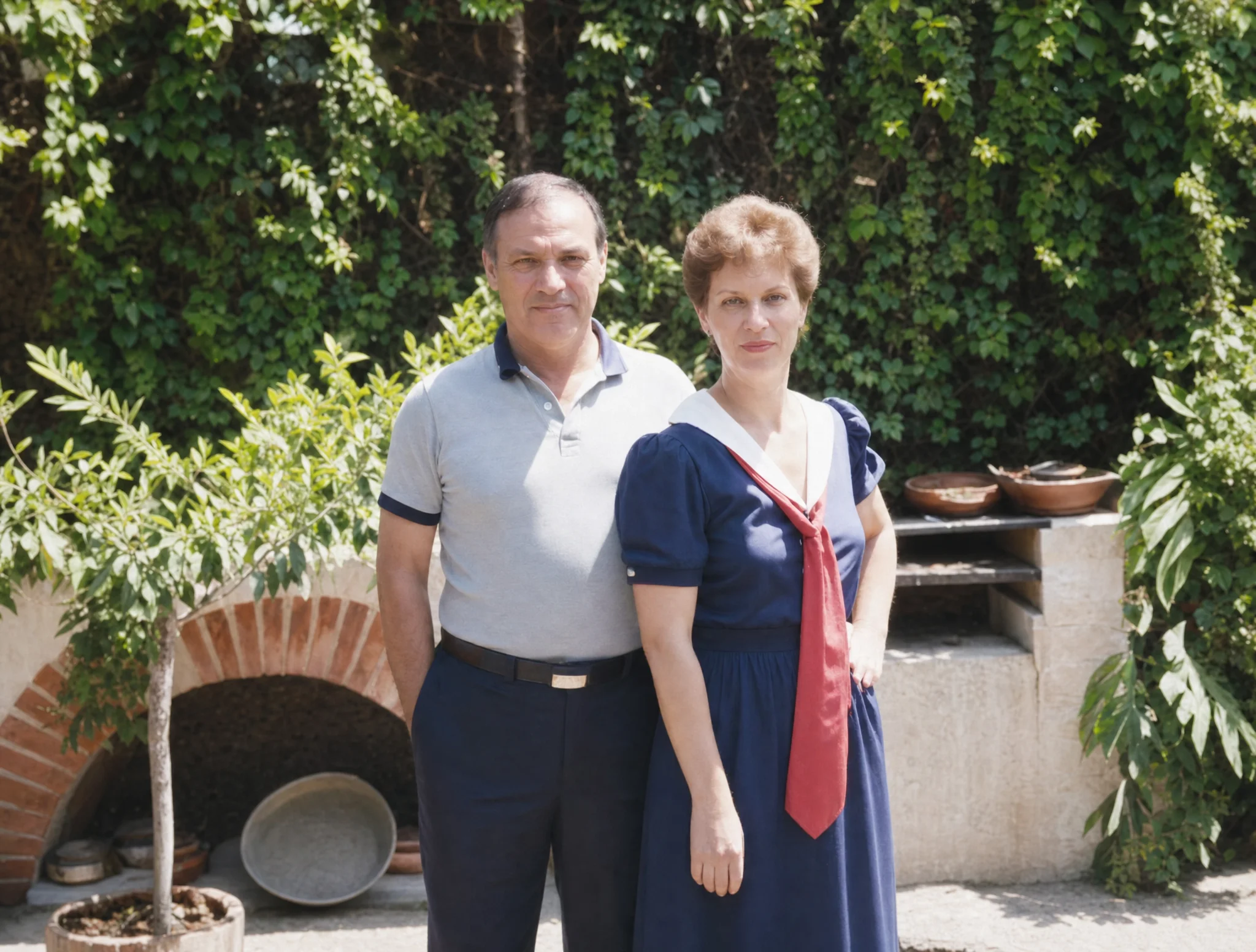
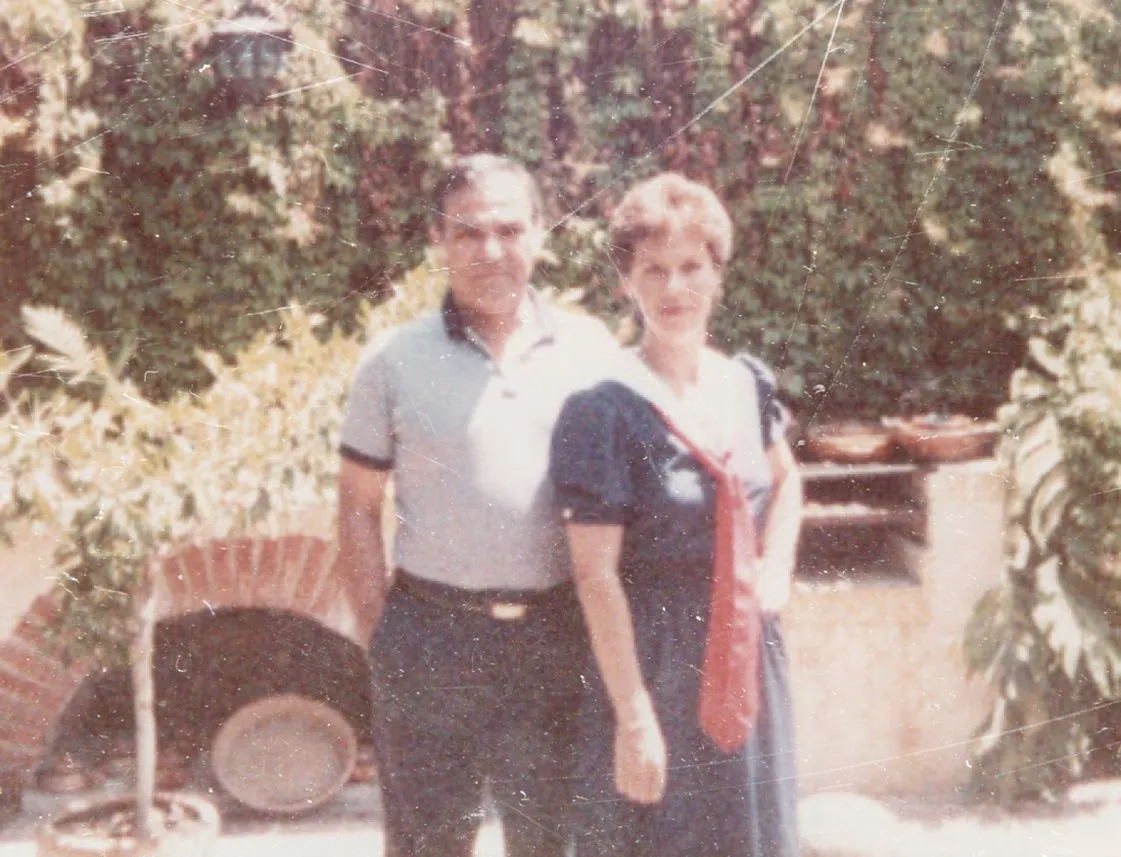
Need to restore old photos online free? FixOldPhotos brings faded and discolored images back to life with authentic detail. Instead of over-editing, our AI old photo restoration tool gently recovers original contrast, natural color, and fine textures — so your old photos look like they were taken yesterday, not a century ago.

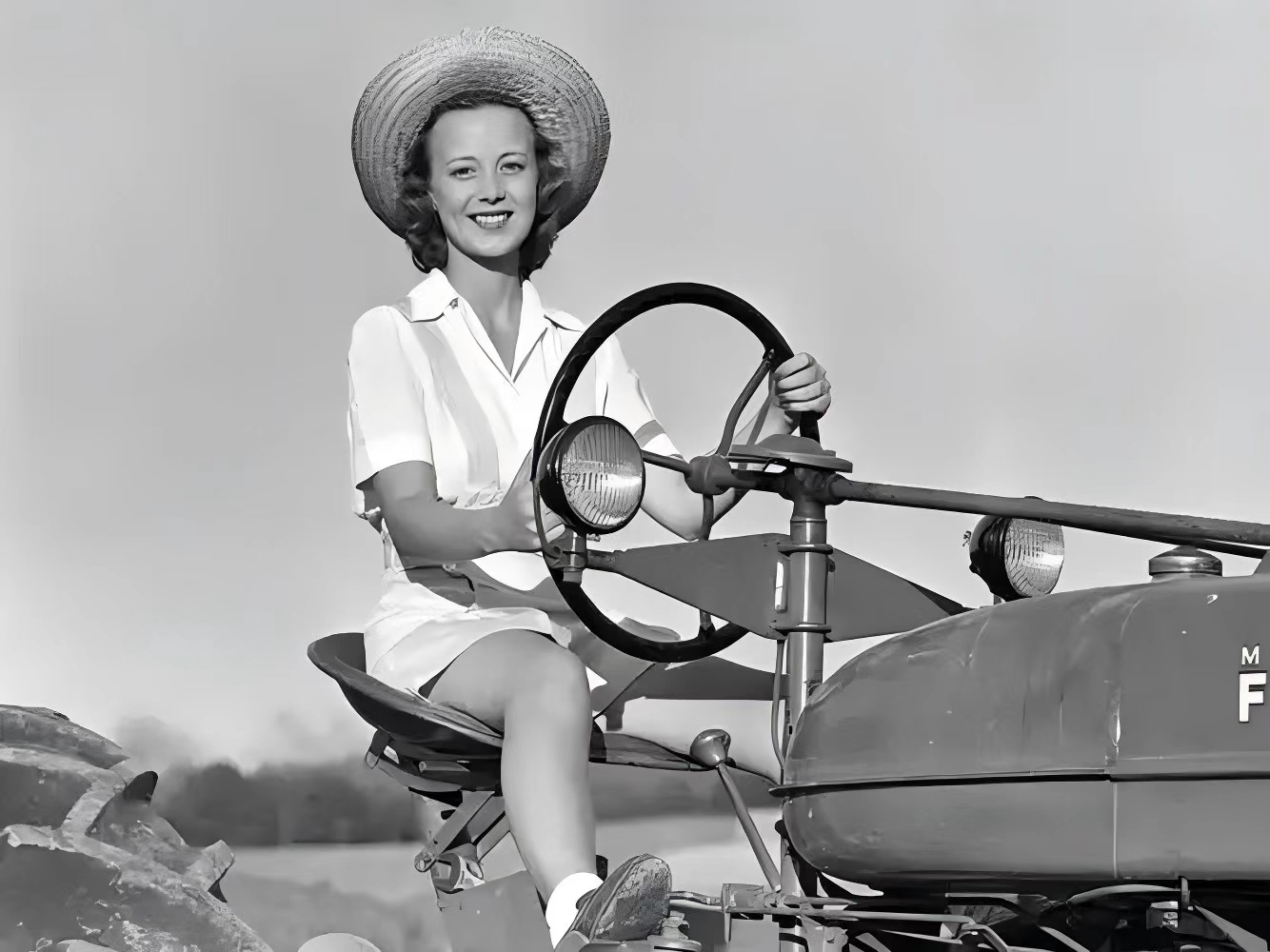
Repair Damage Without Altering the Photo’s Original Style
Cracked, scratched, or stained photos? Our photo scratch remover and old photo repair AI analyzes every pixel to fill in missing areas naturally. Torn edges, stains, and creases are repaired using the surrounding image data — restoring what’s damaged without changing the photo’s original character or creating fake details.

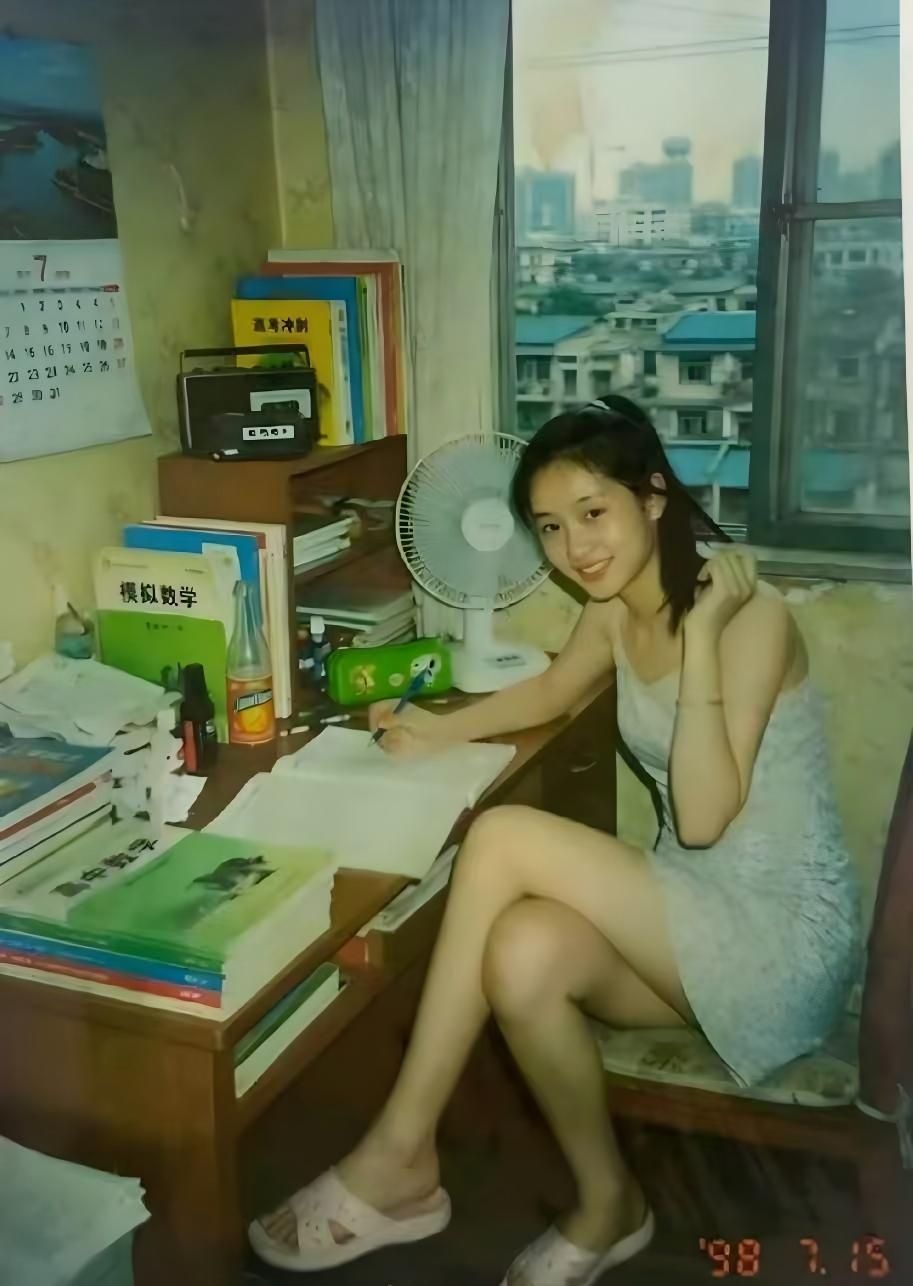
Sharpen Blurry Photos While Preserving Their Character
Blurry old photos deserve a second chance. Use FixOldPhotos as your go-to sharpen image tool and photo enhancer online. Our enhance photo quality technology refines facial features, contours, and fine textures automatically — producing clear, crisp results without making the image look artificial or over-processed.
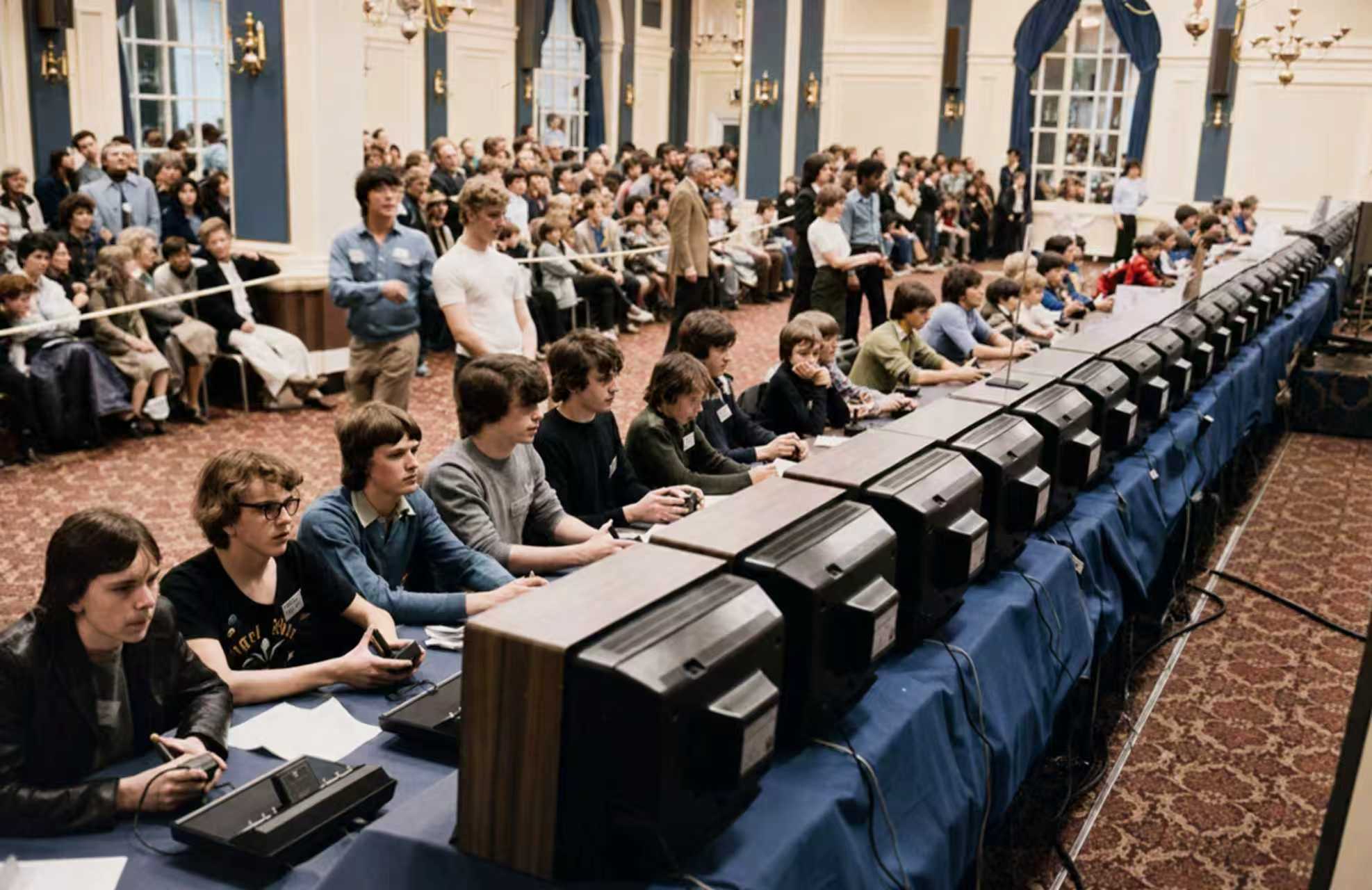
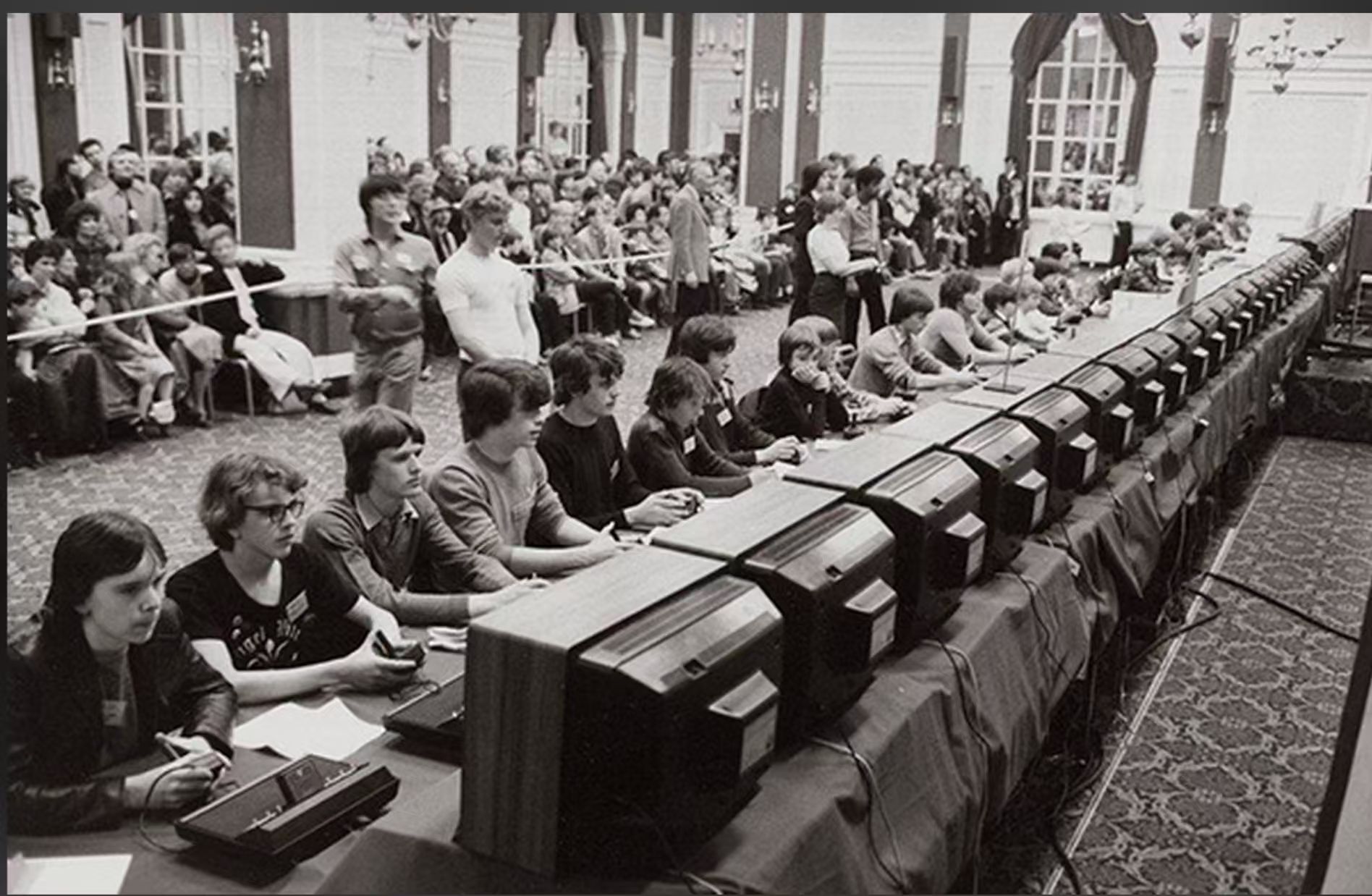
Colorize Black-and-White Photos with Natural, Era-True Colors
Want to colorize black and white photos with realistic results? FixOldPhotos analyzes brightness, texture, and scene composition to apply era-appropriate colors that feel natural. Whether you need to colorize photo for a family archive or a historical project, our AI delivers authentic colorization that respects the original image.
How Can you Use FixOldPhotos AI Old Photo Restoration
From preserving family memories to professional archival work
Preserve and Enhance Historical & Family Photos
Restore faded, damaged, or scratched old family heirlooms and vintage wedding photos with ease, bringing cherished memories back to life in high resolution.
Support Museums, Archives, and Educational Projects
Digitally repair and enhance historical photographs for museums, galleries, and archives, helping preserve important visual history for exhibitions and research.
Preparing Photos for Digital Albums and Gifts
Restore and enhance old photos before adding them to digital photo books, slideshows, or personalized gifts, giving your vintage pictures a fresh, professional-quality look.
Improving Images for Media and Publications
Journalists, publishers, and content creators can restore old photos for articles, books, and documentaries, ensuring clear, high-quality visuals that engage audiences.
Old Photo Restoration Is Easier Than Ever Before
Don't let time fade your precious memories. FixOldPhotos offers a quick and hassle-free solution for you to restore photos. Experience the magic of AI old photo restoration today.
Start using Old Photo Restoration✨ No logins. No ads. Just pure AI magic.
How to Use FixOldPhotos for Old Photo Restoration
Three simple steps to high-resolution restored photos:
Upload Your Old Photo
Select a JPG, PNG, or WebP file. Or simply drag and drop it into the upload area.
AI Restores Automatically
Our AI automatically enhances faces, removes scratches, and restores color in seconds.
Download HD Result
Save your restored photo in high quality and share it anywhere — completely free.
Frequently Asked Questions
Is this really free?
Yes! Free users get 3 restores per day with standard quality. Upgrade to Pro for unlimited HD downloads and advanced features.
What types of photos can be restored?
Any old, damaged, faded, or black & white photos. Our AI handles portraits, landscapes, group photos, and more.
How long does it take?
Most photos are processed in 30–60 seconds. Complex restorations may take up to 2 minutes.
Is my privacy protected?
Absolutely. All uploaded photos are automatically deleted after processing. We never share, store, or train on your images.
What’s the difference between modes?
Restore enhances faces and repairs damage. Restore Pro adds black & white colorization. Restore Beta also upscales to HD resolution.